

You've been scripting YouTube videos for a while. Maybe it's educational content, maybe it's sketches, maybe it's vlogs with a narrative thread. And now you're thinking: what if this was a series?
The jump from standalone YouTube videos to a scripted episodic series is one of the most natural transitions in content creation. But it requires a different approach to writing, planning, and production. This guide walks you through the process.
Why go episodic?
Standalone videos compete for every click. A series builds an audience that comes back. Here's what episodic content gives you:
- Subscriber retention: Viewers who finish Episode 1 are likely to watch Episode 2. That's not true for unrelated standalone videos.
- Deeper storytelling: Characters can develop over time. Plots can build tension across episodes.
- Production efficiency: Recurring sets, characters, and formats mean less setup time per episode.
- Algorithm favor: YouTube rewards channels that keep viewers on the platform. A series with 8 episodes creates a natural watch path.
Recognizing series potential in your existing content
Not every video idea is a series. Look for these signals:
- Recurring characters or themes: If your audience already recognizes certain characters or formats, you have series potential.
- Unanswered questions: If viewers ask "what happens next?" in comments, you have series potential.
- Expandable world: If your content exists in a world with more stories to tell, you have series potential.
- Format consistency: If your videos follow a repeatable structure (same length, same format, same tone), they can become episodes.
The format bridge
Most YouTube creators don't need to make a Hollywood-style series. The bridge between "YouTube video" and "series" is simpler than you think:
Keep what works
- Your existing video length (usually 8-15 minutes)
- Your existing production style
- Your existing audience relationship
Add what's needed
- A season arc (what's the big story across all episodes?)
- Episode continuity (events in Episode 2 matter in Episode 5)
- Character development (characters change over the season)
- A consistent release schedule
Planning your first season
Step 1: Choose your season concept
Write one sentence that describes your entire season:
A group of roommates tries to launch a startup in 30 days with zero budget.
This is your north star. Every episode should connect to this central premise.
Step 2: Decide your episode count
For YouTube, 6-8 episodes per season is ideal:
- Short enough to produce in a reasonable timeframe
- Long enough to tell a real story
- Few enough that a new viewer can binge the whole season
Step 3: Map your season arc
Create a simple episode grid:
| Episode | Title | What Happens | Character Focus |
|---|---|---|---|
| 1 | "The Idea" | Roommates discover a problem, decide to build a solution | Alex (the dreamer) |
| 2 | "The Plan" | They try to make a plan, realize they have no skills | Sam (the realist) |
| 3 | "The Pivot" | First attempt fails, they pivot the concept | Jordan (the builder) |
| ... | ... | ... | ... |
Step 4: Write per-episode outlines
For each episode, write a one-page outline covering:
- Opening hook (first 30 seconds)
- The episode's specific conflict or challenge
- Key scenes and dialogue moments
- How it ends and connects to the next episode
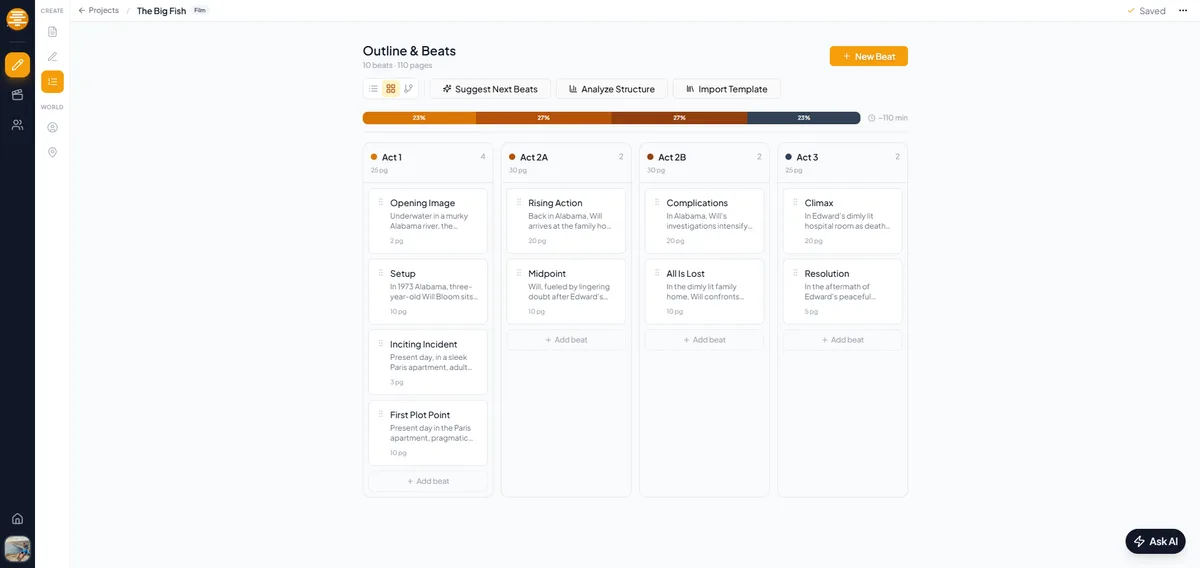
In plotwell, you can create a series project with your season structure, then write outlines and full scripts for each episode. Characters and locations are shared across episodes, so when you add a character in Episode 1, they're available in every subsequent episode.
Writing for YouTube vs. writing for series
Standalone video mindset
- Each video is self-contained
- The hook needs to justify the entire video
- Exposition can be heavier (viewers might not know the context)
- The ending wraps everything up
Series episode mindset
- Each episode advances a larger story
- The hook can be lighter if the previous episode built momentum
- Exposition decreases over time (viewers already know the world)
- Most episodes end with a question or tension, not resolution
The biggest shift: you don't need to resolve everything in every episode. Let tension build. Let characters make mistakes they'll deal with later. Let your audience anticipate what's coming.
Production workflow for episodic YouTube
Batch writing
Write all your episode scripts before you start filming. This seems obvious, but many YouTube creators write one video at a time. For a series, you need the full season mapped out so continuity works.
Batch filming
If possible, film multiple episodes in the same session. Recurring locations and characters make this practical. Episode 2 and Episode 5 might use the same set, so film those scenes together.
Consistent release schedule
Pick a release day and stick to it. Weekly is standard. Bi-weekly works if episodes are longer. The key is consistency: your audience needs to know when to come back.
Production planning per episode
Each episode needs its own:
- Script
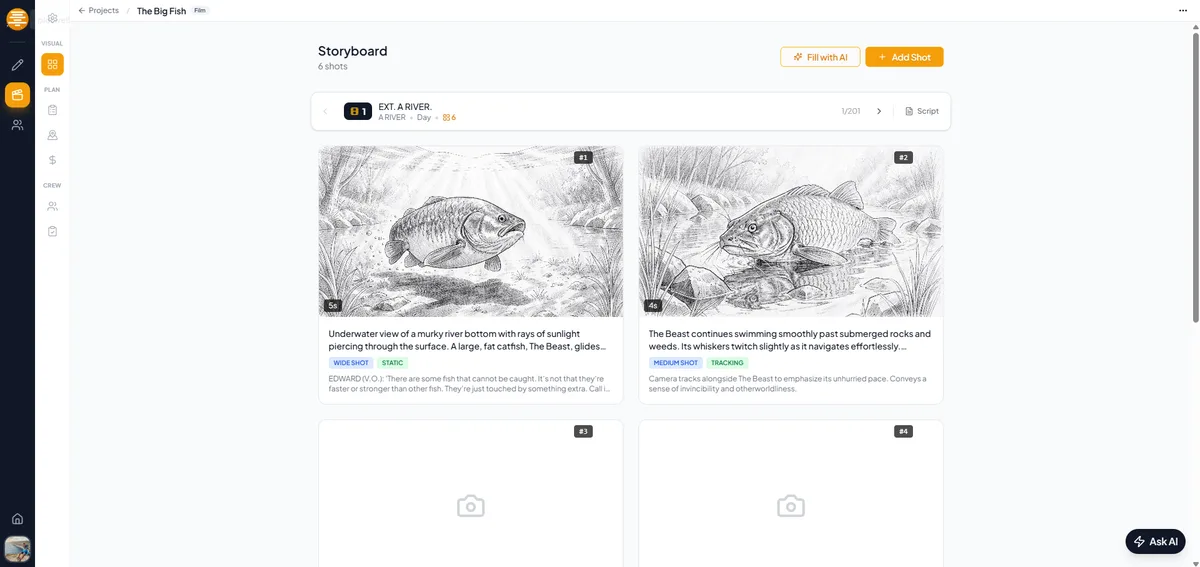
- Shot list or storyboard
- Location list
- Cast/crew schedule
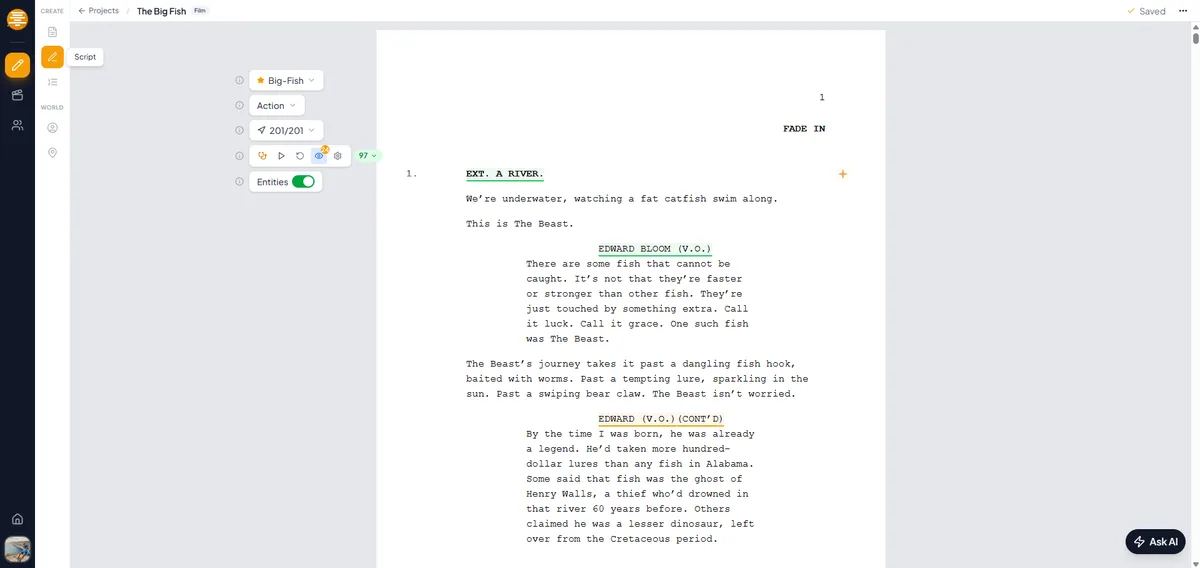
In plotwell, series projects handle all of this per episode. Create your season, add episodes, and each one gets its own script editor, storyboard, and production breakdown.
Case study: anatomy of a successful YouTube series
Consider a hypothetical cooking-competition web series:
- Format: 10-minute episodes, 8 episodes per season
- Season arc: Amateur cooks compete in weekly challenges; one is eliminated each episode
- Episode structure: Challenge introduction (1 min), cooking montage (4 min), judging (3 min), elimination (2 min)
- Character development: Viewers get to know contestants through confessionals and interactions
- Hooks: Each episode ends with a preview of next week's challenge
This format works because it's repeatable (same structure every episode), has natural tension (competition), and builds over time (fewer contestants, higher stakes).
Tools for managing your series
Traditional video scripting tools (Google Docs, Notion, Celtx) weren't built for episodic content. You end up with:
- Separate documents for each episode
- No easy way to track character continuity
- No per-episode production planning
- Manual file management
plotwell's series mode solves this:
- One project, all episodes: Navigate between episodes from a single dashboard
- Shared story elements: Characters and locations work across all episodes
- Per-episode everything: Each episode has its own script, storyboard, and production breakdown
- Collaboration: If you have co-writers or a small team, everyone works in the same project
- Professional formatting: Your scripts look professional, whether you're writing for YouTube or pitching to a network
Start small, think big
Your first season doesn't need to be perfect. Start with 6 episodes. Keep them short. Focus on one strong central concept and a few well-drawn characters.
The production skills you build making a YouTube series are the same skills used in professional TV: season planning, episode structure, character tracking, and collaborative writing.
Many professional showrunners started exactly where you are: making episodic content with a small team and a big idea.
The format is ready. The audience is waiting. Start writing your first episode.